
标签:定义 简单的 serve time() 定义函数 image you time creat
创建django
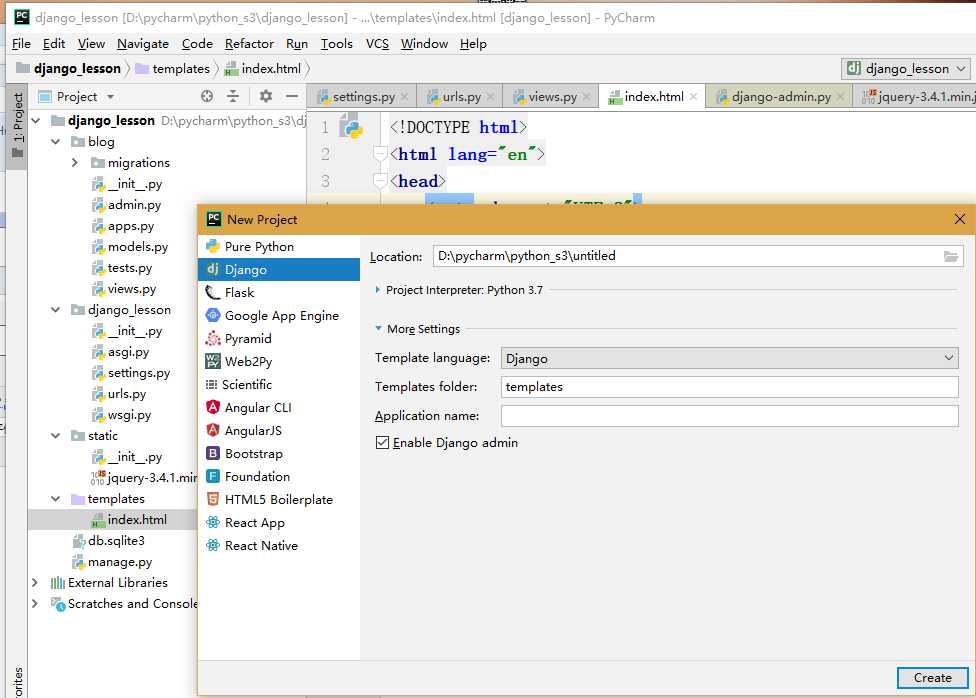
在django_lesson下的urls.py 添加路径
from django.contrib import admin
from django.urls import path
from blog import views

urlpatterns = [
    path(‘admin/‘, admin.site.urls),
    path(‘show_time/‘,views.show_time)
]
在migrations下的views.py里定义函数
from django.shortcuts import render,HttpResponse
import time

# Create your views here.

def show_time(req):
    t = time.ctime()
    # return HttpResponse(‘hello‘)
    return render(req,‘index.html‘,{‘time‘:t})
在templates下新建html文件

<!DOCTYPE html>
<html lang="en">
<head>
    <meta charset="UTF-8">
    {% load static %}
    <title>Title</title>
</head>
<body>

<h1>hello {{ time }} </h1>

{#<script src="/static/jquery-3.4.1.min.js"></script>#}
<script src="{% static "jquery-3.4.1.min.js" %}"></script>
<script>
    $(‘h1‘).css(‘color‘,‘red‘)
</script>

</body>
</html>
启动django 在Terminal下输入python manage.py runserver 8080
在浏览器上就可以看到如下
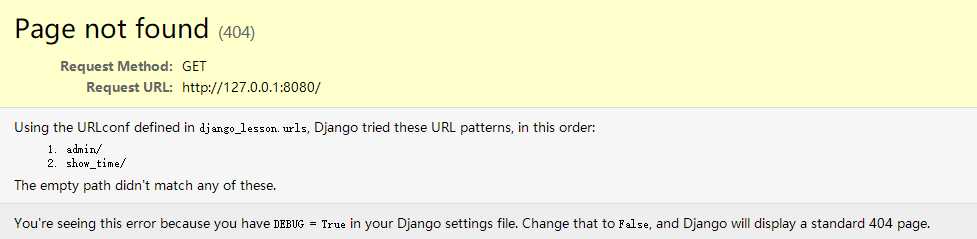
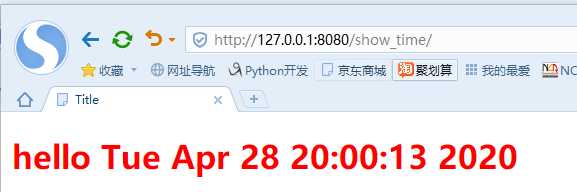
把网址修改一下就可以看到了
标签:定义 简单的 serve time() 定义函数 image you time creat
原文地址:https://www.cnblogs.com/hb15988111121/p/12796863.html
